|
1
|
|
|
2
|
- This demonstration will take you on a guided tour of our software. After
you have reviewed a slide click on the left mouse button or hit enter to
advance to the next slide. To re-display a viewed slide use the
backspace key.
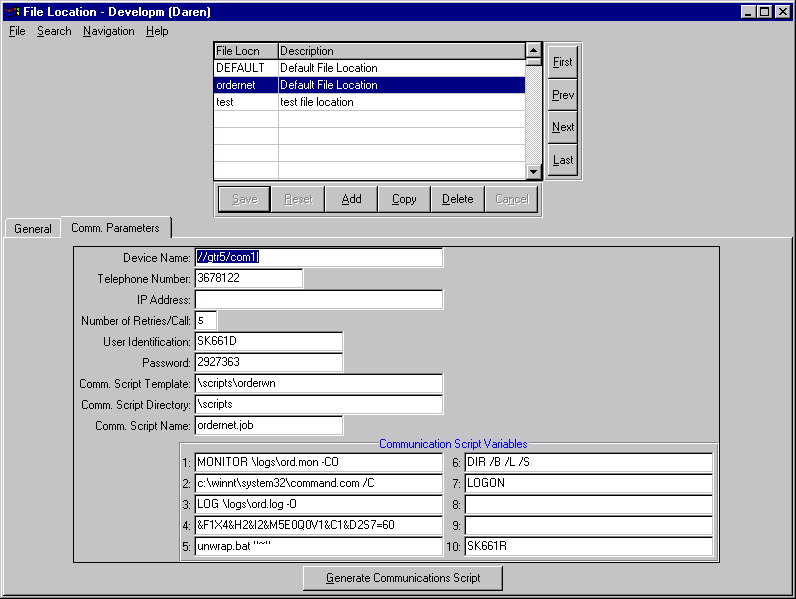
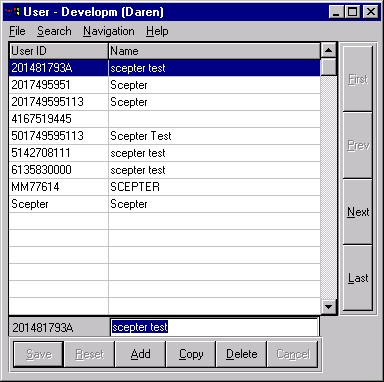
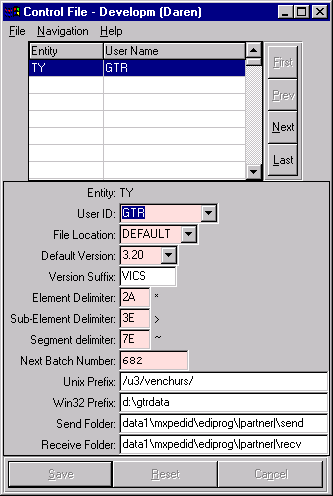
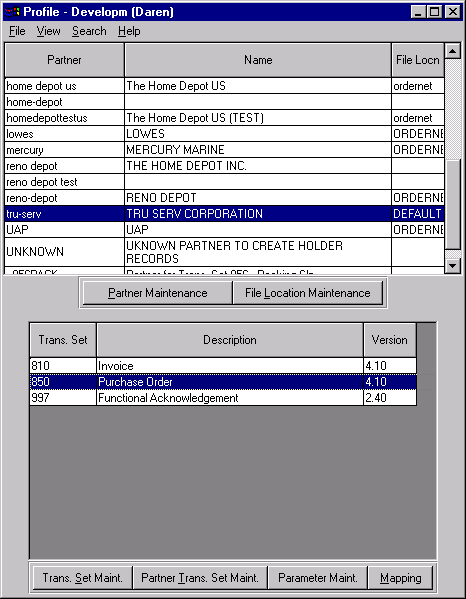
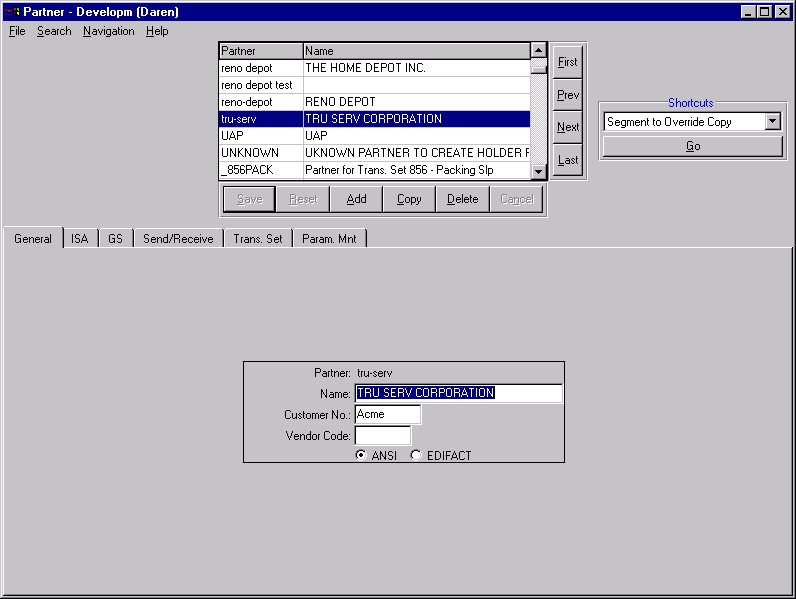
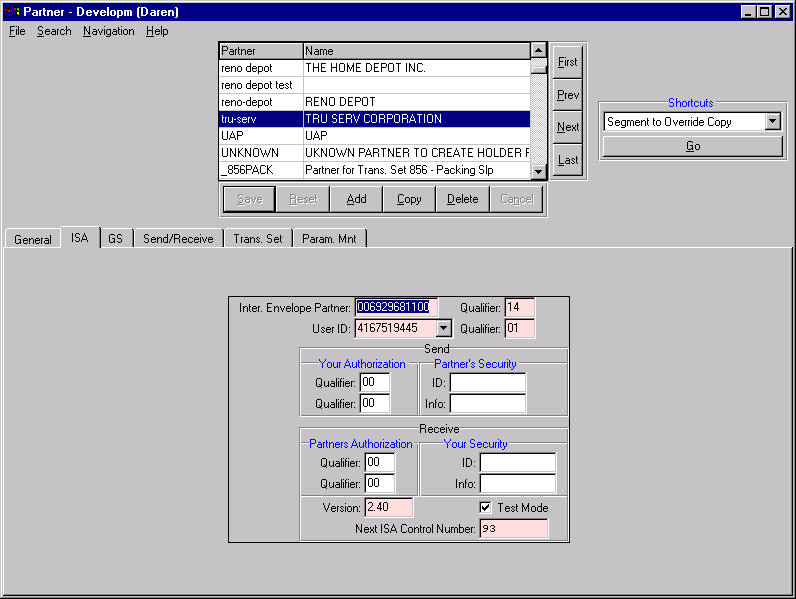
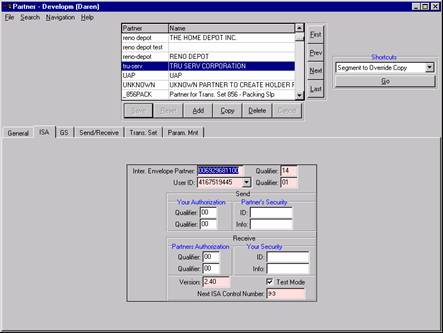
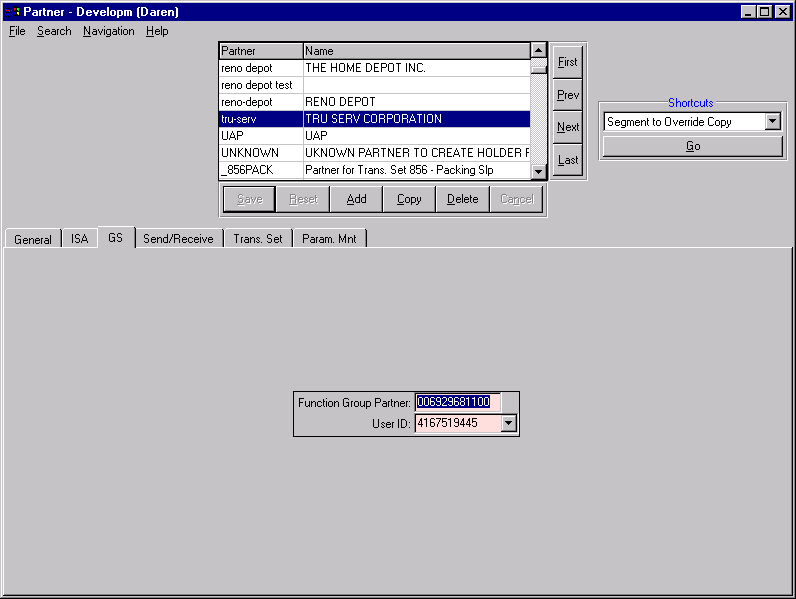
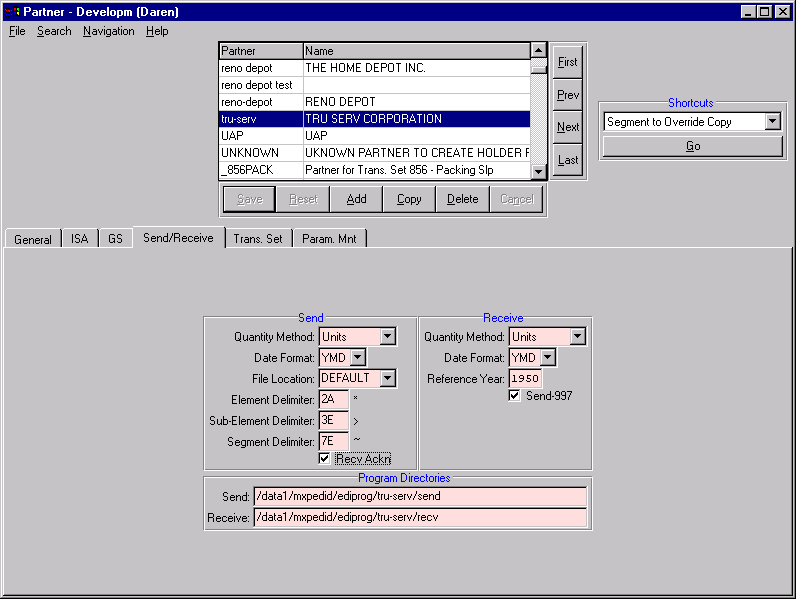
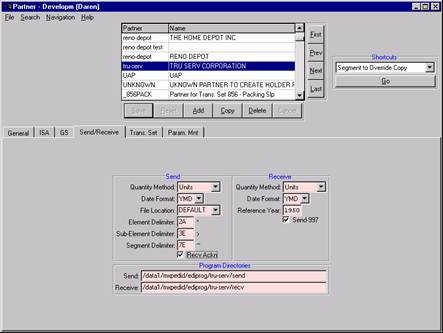
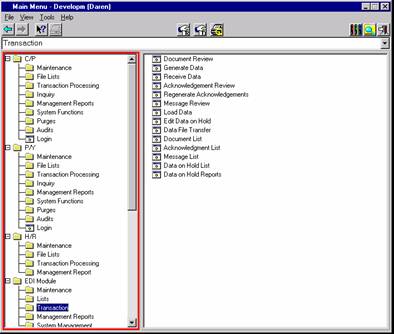
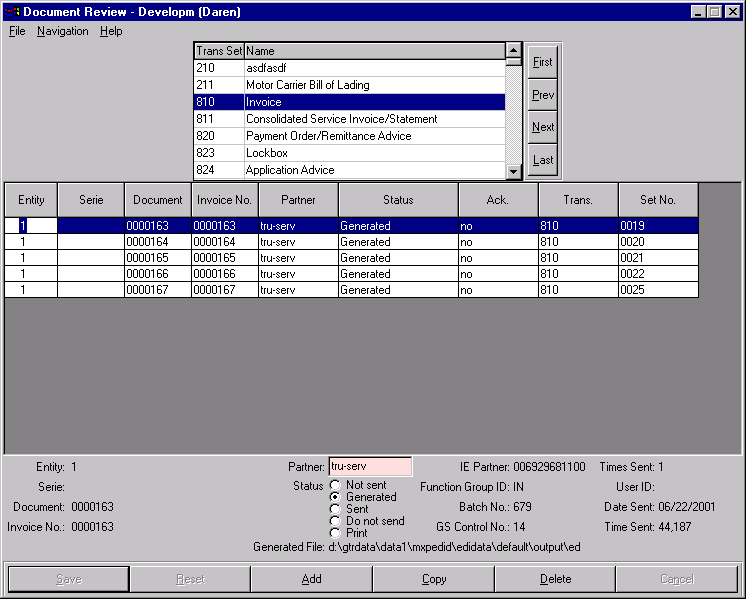
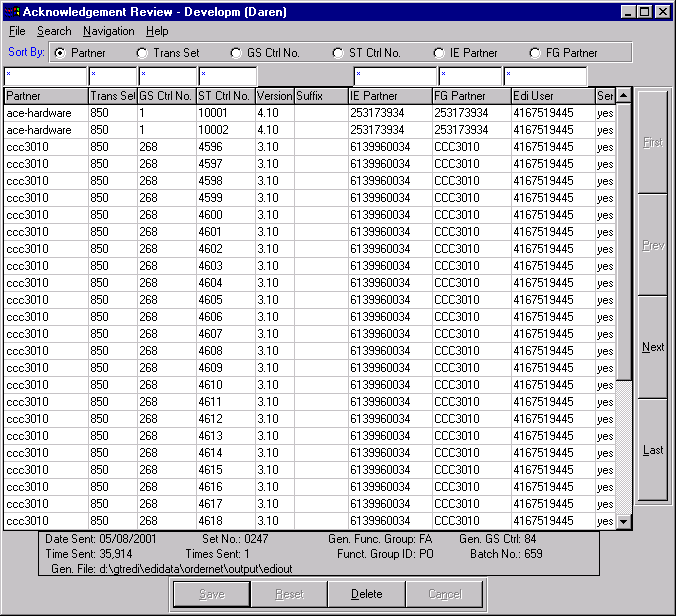
- Each slide will contain a screen image with a description of the fields
on the screen.
|
|
3
|
|
|
4
|
|
|
5
|
|
|
6
|
|
|
7
|
|
|
8
|
|
|
9
|
|
|
10
|
|
|
11
|
|
|
12
|
|
|
13
|
|
|
14
|
|
|
15
|
|
|
16
|
|
|
17
|
|
|
18
|
|
|
19
|
|
|
20
|
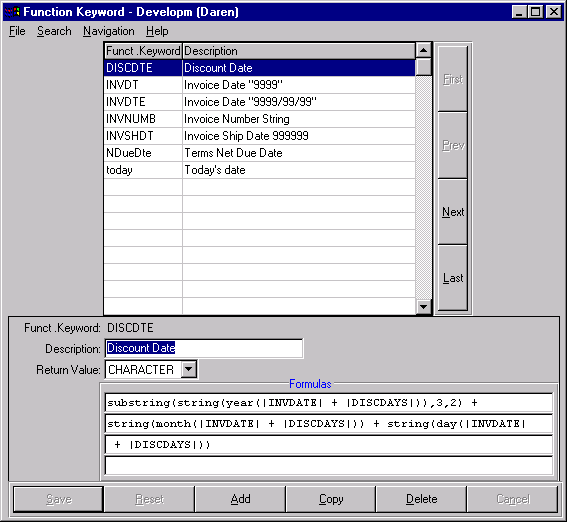
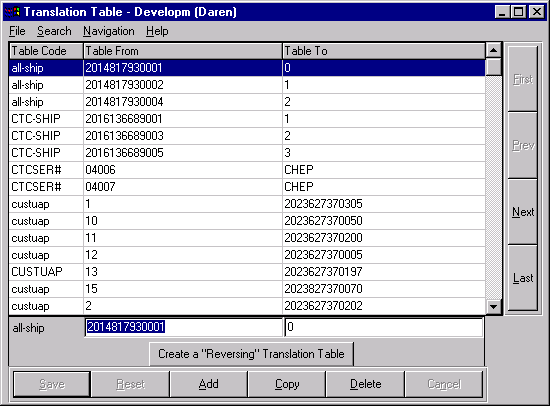
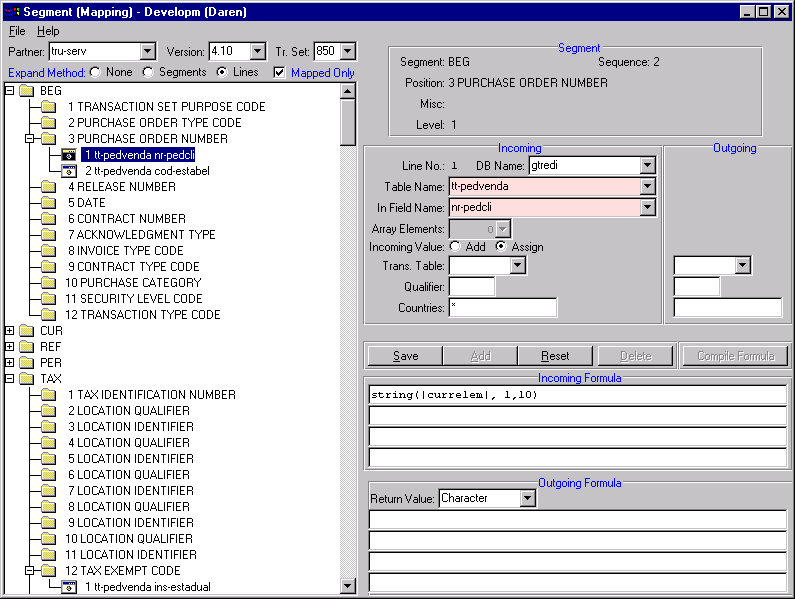
- Mapping is used to create the relationship between our database and the
EDI data. For example, if our partner sends us a purchase order number
mapping would tell the system where to store the purchase order number
in the database. At the same time we could tell the map to manipulate
the purchase order number by removing or adding letters, for example.
This manipulation of data can be done using a formula or using a data
translation table. A formula would be used when the data you are
manipulating is dynamic. A data translation table would be used when the
data is static. A purchase order number would be considered dynamic
because it is always different, therefore if it must be manipulated then
you would use a formula. A customer number would be static because they
are finite, therefore if the number must be manipulated then you would
use a translation table. However, if there is a one to one relationship
between your partners representation of the customer number and your
internal number you may use a formula to manipulate the number so that
it matches yours. For example, if your partner sends you 1000 and your
internal customer number is A01000, then you could use a formula to
concatenate A0 to the front of the 1000.
|
|
21
|
|
|
22
|
|
|
23
|
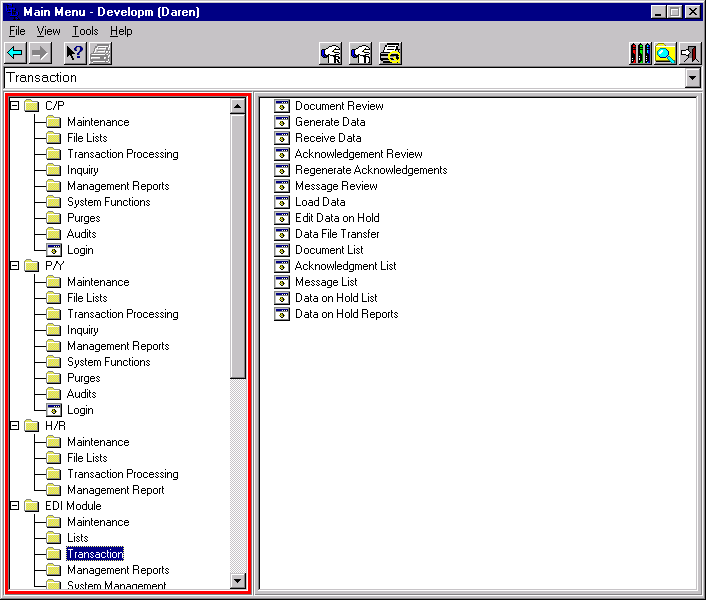
- Invoices and purchase orders are posted using their respective programs
within your application (Frameworx, MXP, Syteline, Intrix, Darwin). If
the Vendor or Customer is designated as an EDI partner then a document
trigger is created when the document is finalized. The user then runs
the EDI generation program to create the EDI data. Once created the EDI
data can be transferred to the Value Added Network.
- On the receive side, when data is received from the Value Added Network
it is integrated into the application using the receive EDI data
function..
- The next few screens illustrate these functions.
|
|
24
|
|
|
25
|
|
|
26
|
|
|
27
|
|
|
28
|
|
|
29
|
|
|
30
|
|
|
31
|
- Phone 514-738-6680
- Fax 514-738-8538
- Web
- http://www.gtrdata.com
- E-mail
- gtr@gtrdata.com
|

 Notes
Notes