Notes
Slide Show
Outline
1
Welcome to our Payroll Overview
2
Payroll Demonstration
3
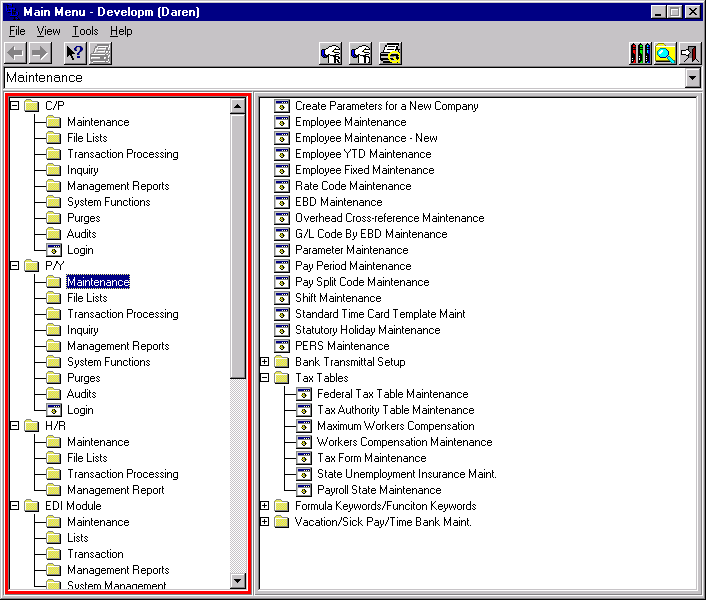
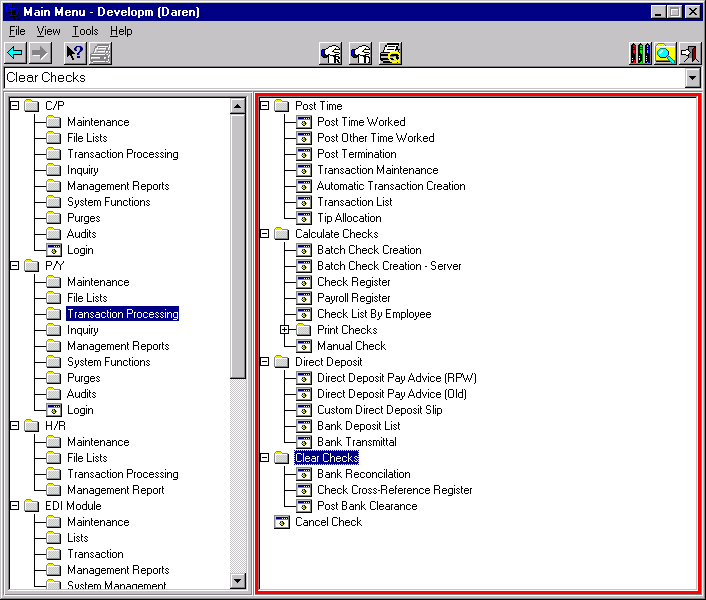
Main Menu
4
Payroll Implementation Flow
5
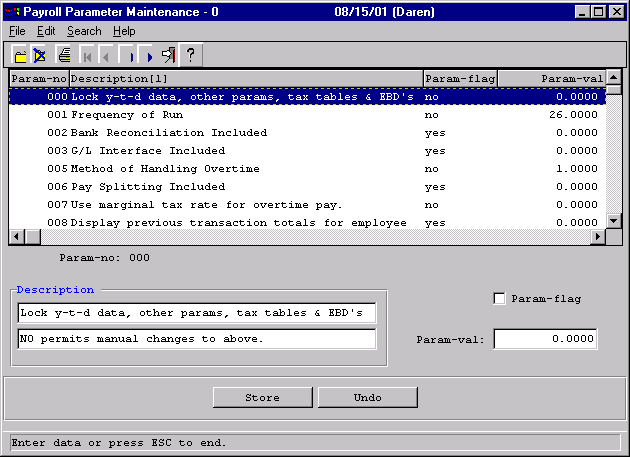
Parameter Maintenance
6
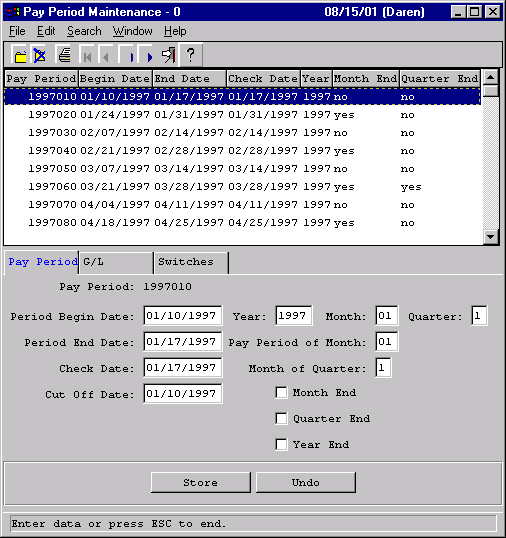
Pay Period Maintenance
7
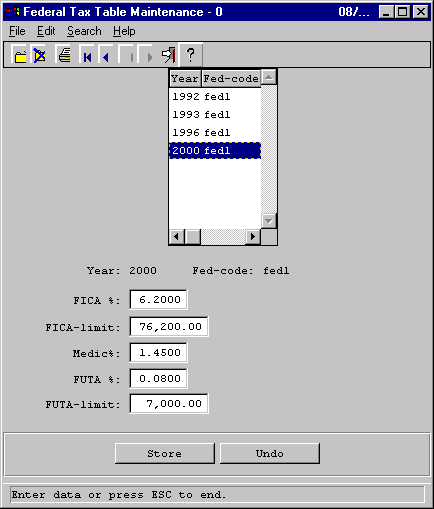
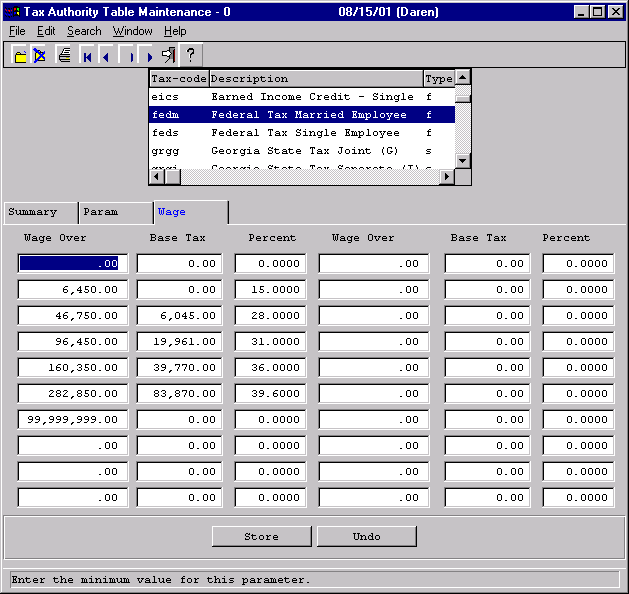
Federal Tax Table
8
Tax Authorities
9
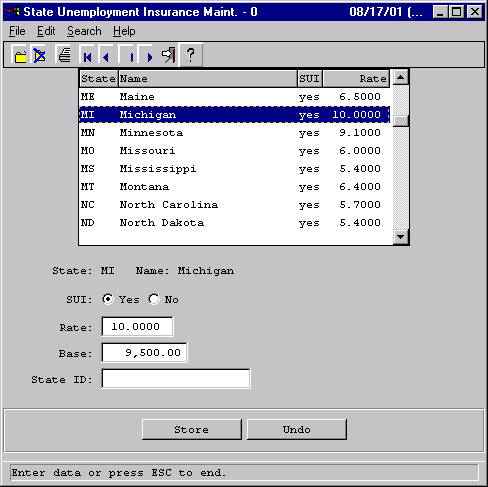
State Unemployment
10
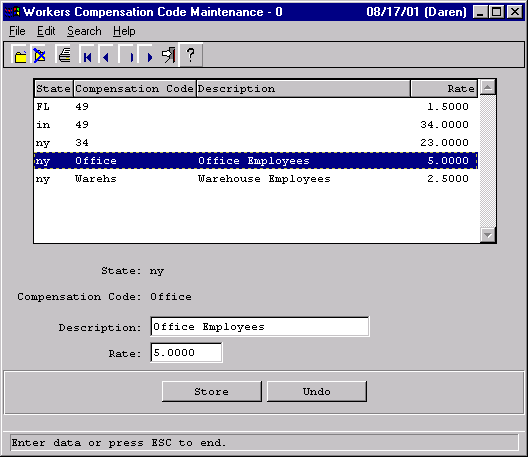
Workers Comp
11
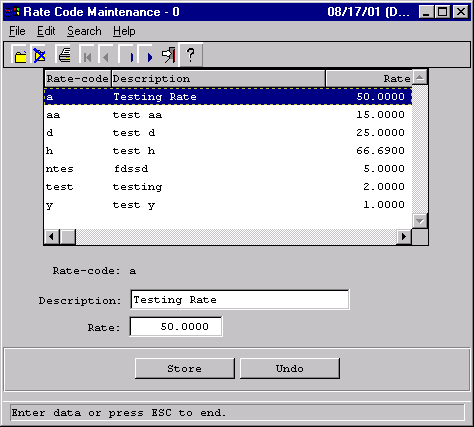
Rate Codes
12
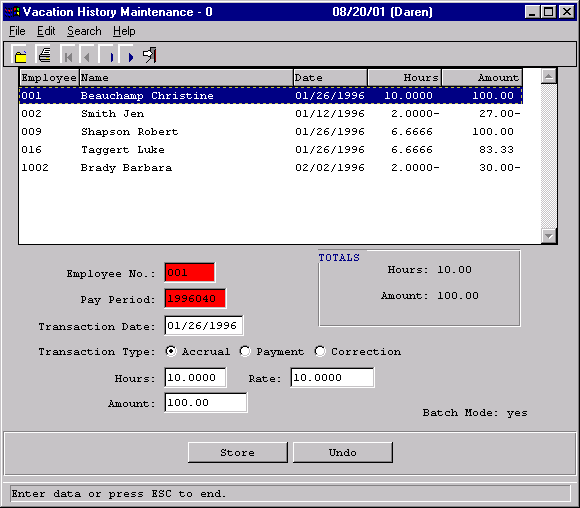
Vacation History
13
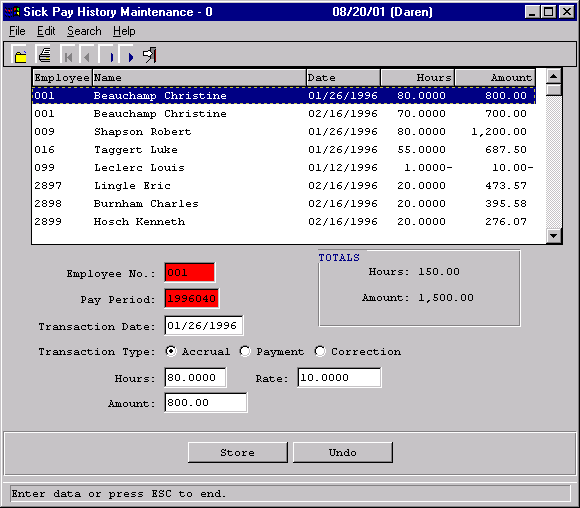
Sick Pay History
14
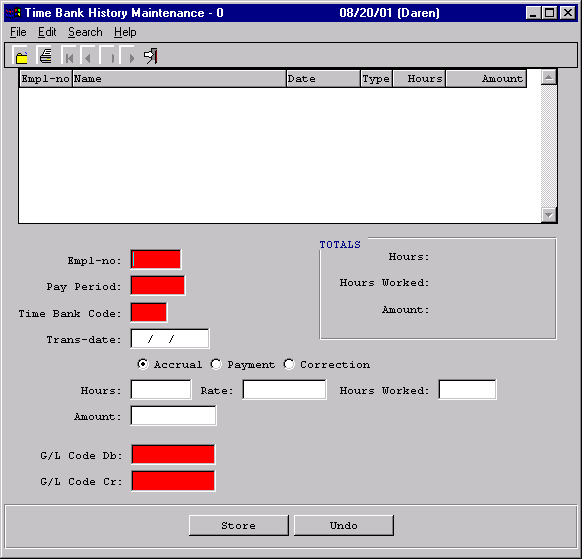
Time Banks
15
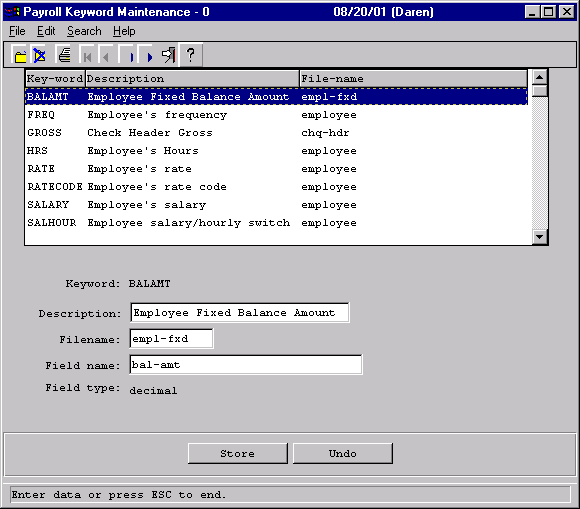
Keywords
16
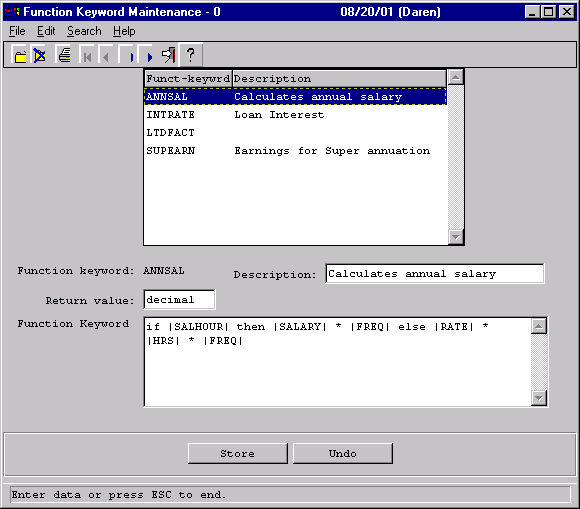
Function Keywords
17
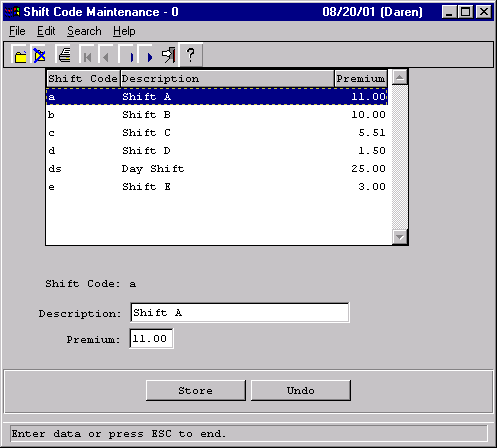
Shifts
18
Earnings Benefits and Deductions
(EBD’s)
  • EBD’s are categories that will capture the payroll financial information by employee.
  • The G/L will be coded on the EBD.
  • G/L over-ride can be done by department or employee allowing for maximum flexibility in your coding structure.
  • EBD’s are assigned (using employee fixed maintenance) to individual employees for:
    • Extra Deductions.
    • State Deductions.
    • Benefit Tracking.
    • Etc.
19
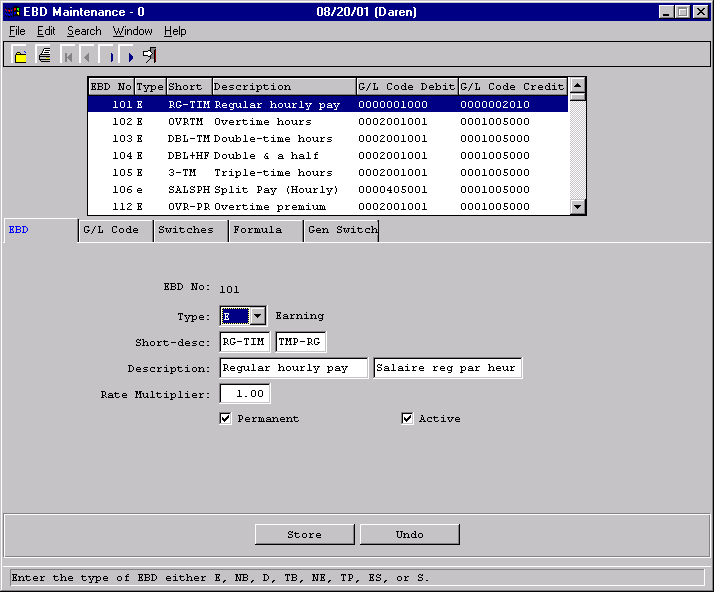
EBD Types
  • E  = Earnings
  • TB = Taxable Benefit
  • NB = Non-taxable Benefit
  • NE = Non-taxable Earning
  • D   =  Deduction
  • ES = Employer Share
20
EBD’s General Information
21
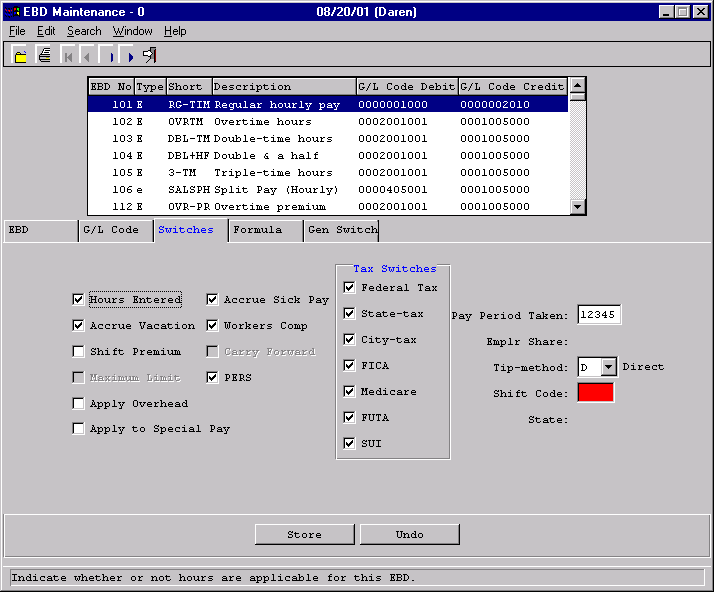
EBD’s Switches
22
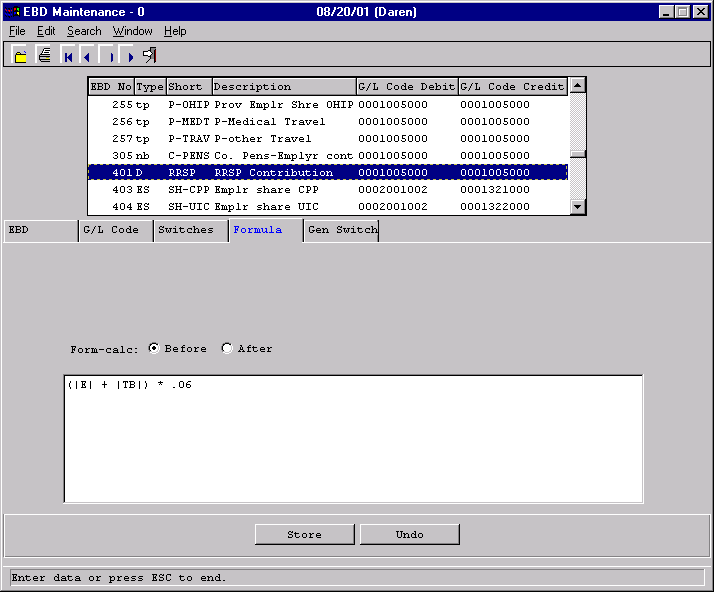
EBD’s Formulas - 1
23
EBD’s Formulas - 2
24
Employee Maintenance

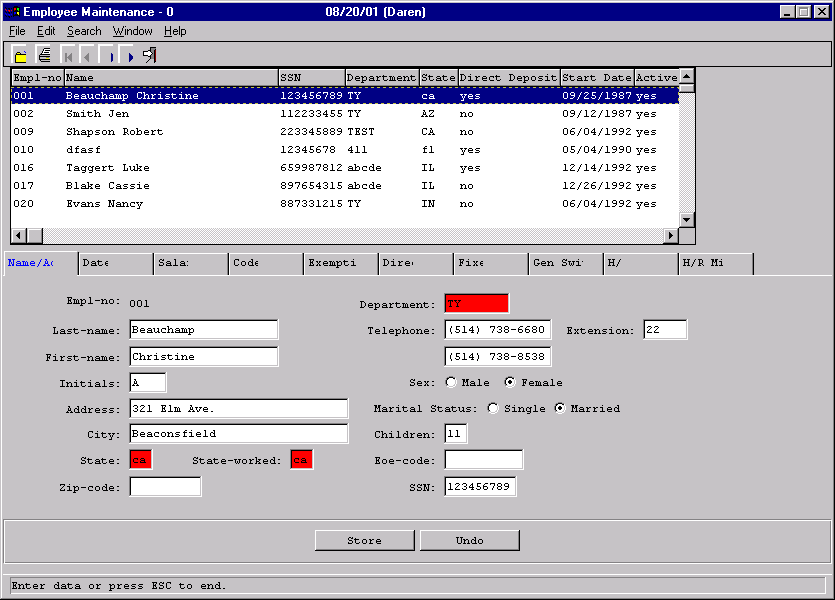
The next few slides illustrate how employee data is entered and maintained.
25
Employee Maintenance - General
26
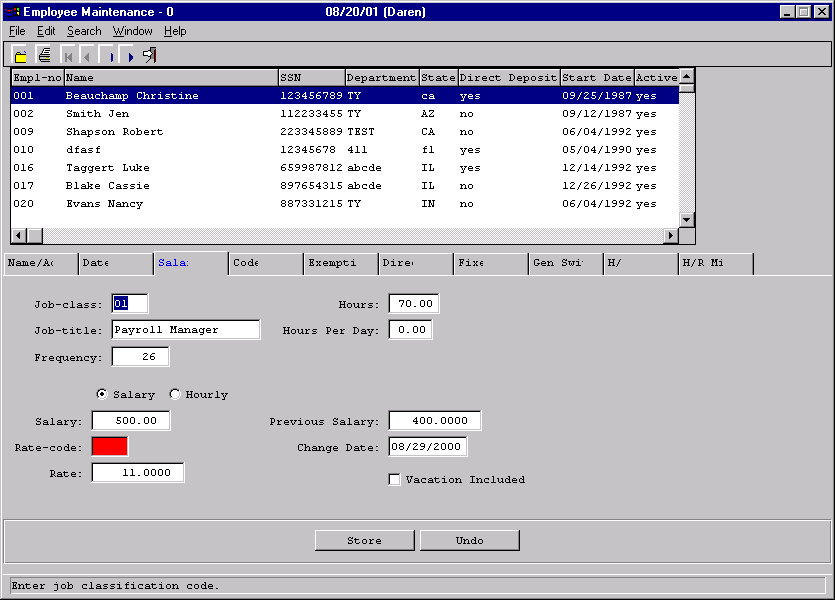
Employee Maintenance - Salary
27
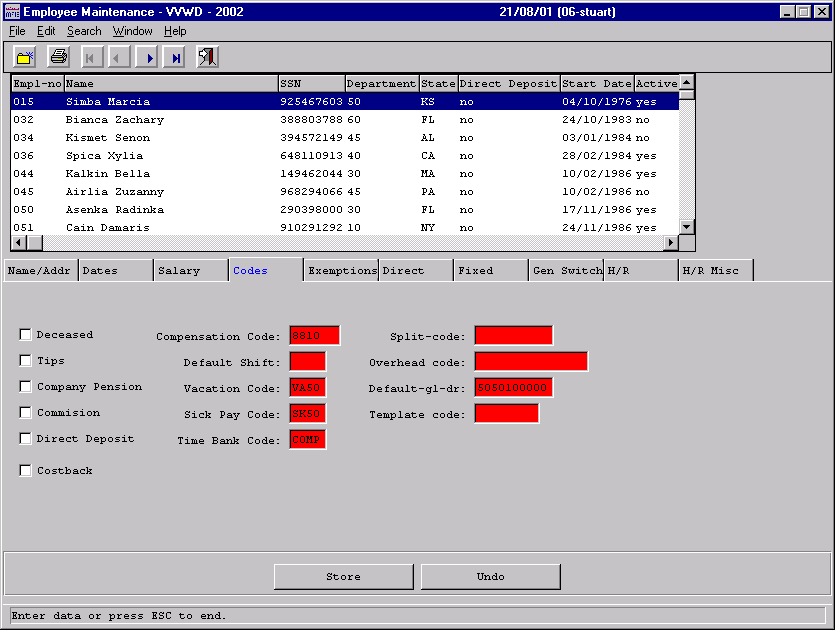
Employee Maintenance - Codes
28
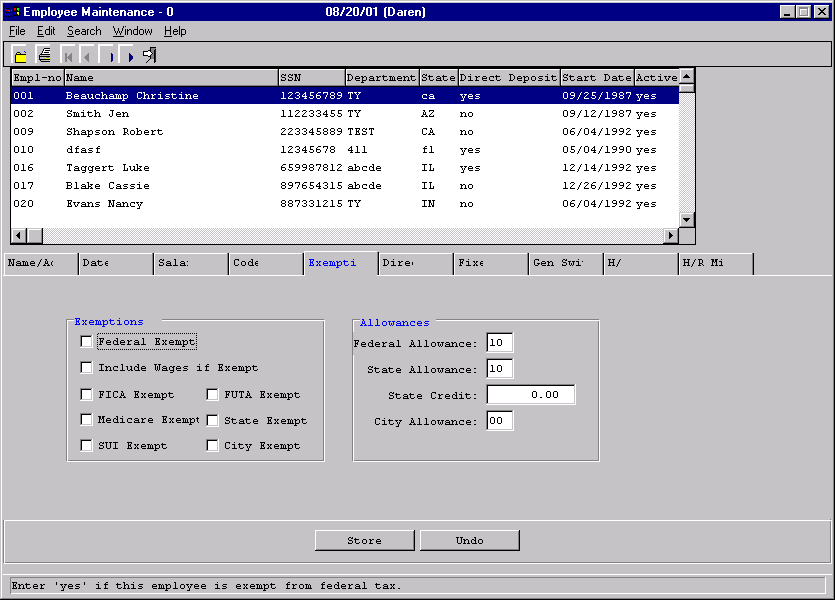
Employee Maintenance - Exemptions
29
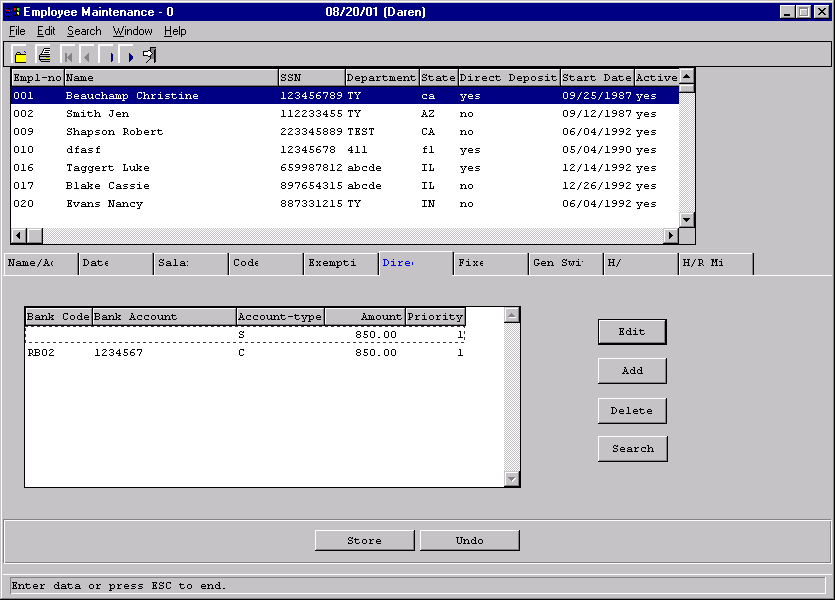
Employee Maintenance – Direct Deposit
30
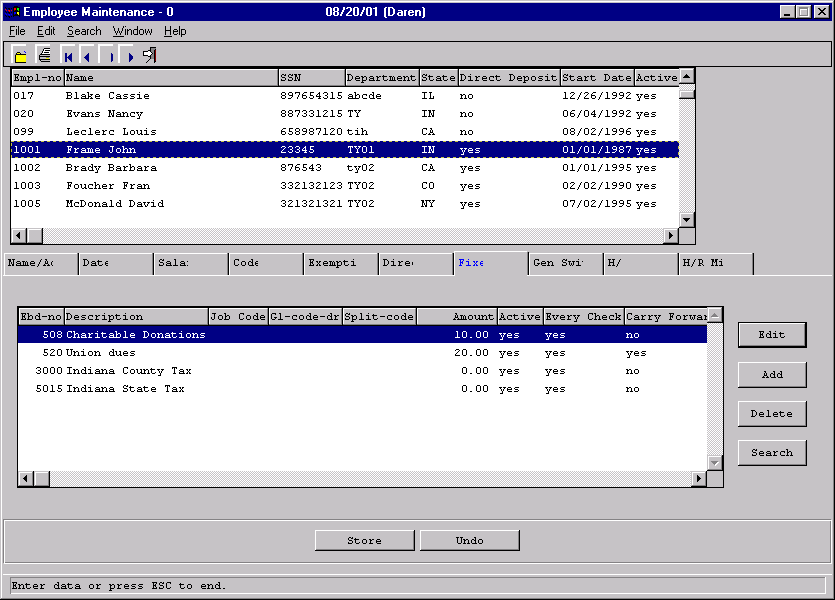
Employee Maintenance - Deductions
31
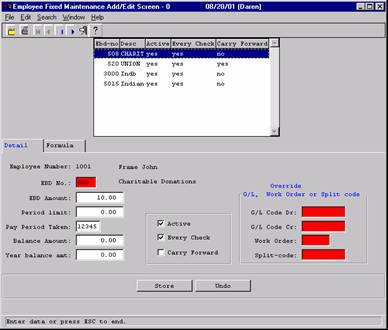
Deduction Detail
32
Transaction Processing
  • The next few slides will illustrate a typical Payroll run. The flowchart in the next slide will show the pay run flow.


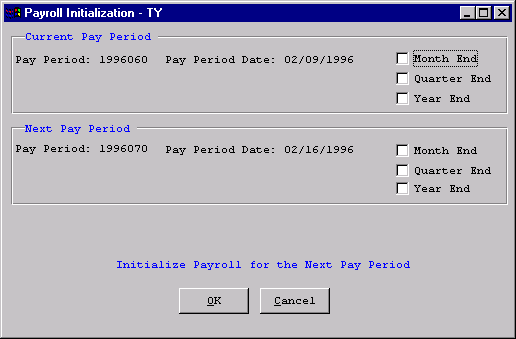
  • Perform the payroll initialization clear the previous pay period.
  • Run Automatic Transaction Creation which creates transactions for salaried employees and fixed deductions.
  • Post time.
  • Run Batch Check Creation to create all checks if there is a problem then run Back Date checks for Re-run to undo the checks, make your adjustments to the appropriate transactions and then run Batch Check Creation Again.
  • Print  your checks and/or direct deposits
  • Run your Management reports and G/L interface.


33
P/Y Procedural Flow
34
Initialization
35
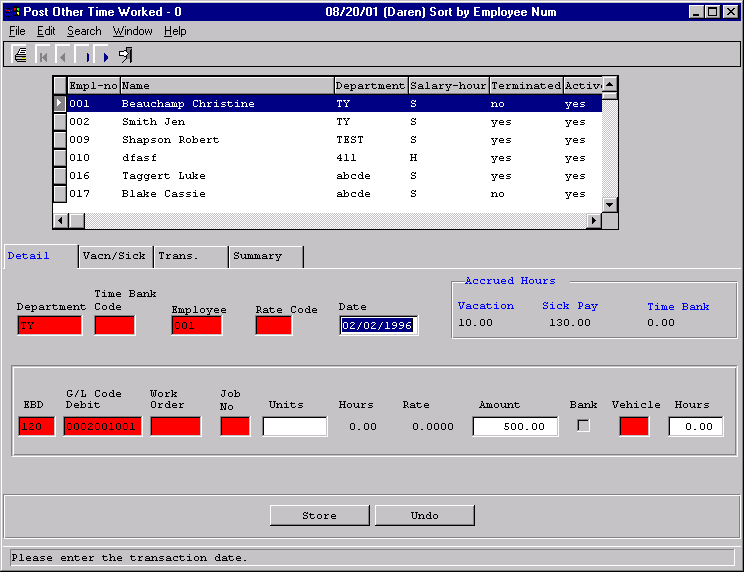
Post Time
36
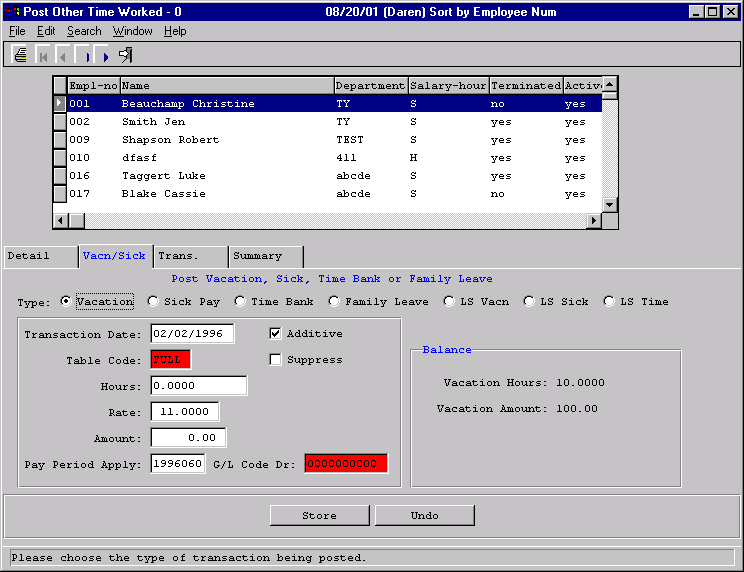
Post Time – Vacation Tab
37
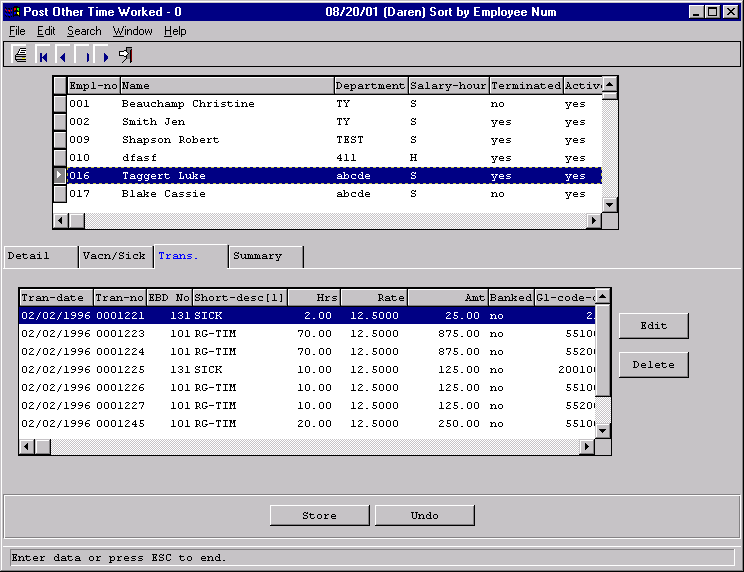
Post Time – Transaction Tab
38
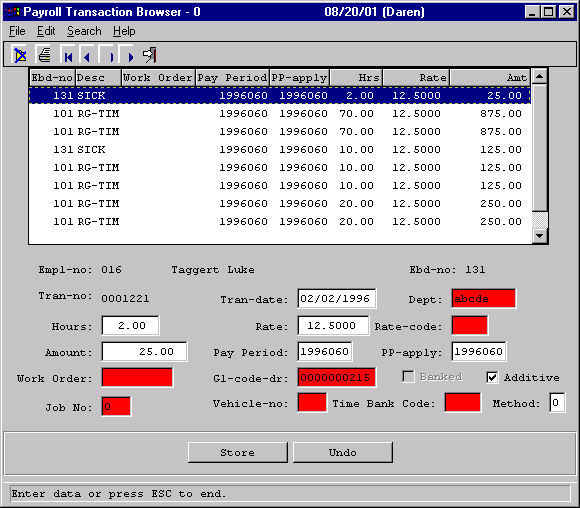
Post Time – Transaction Edit
39
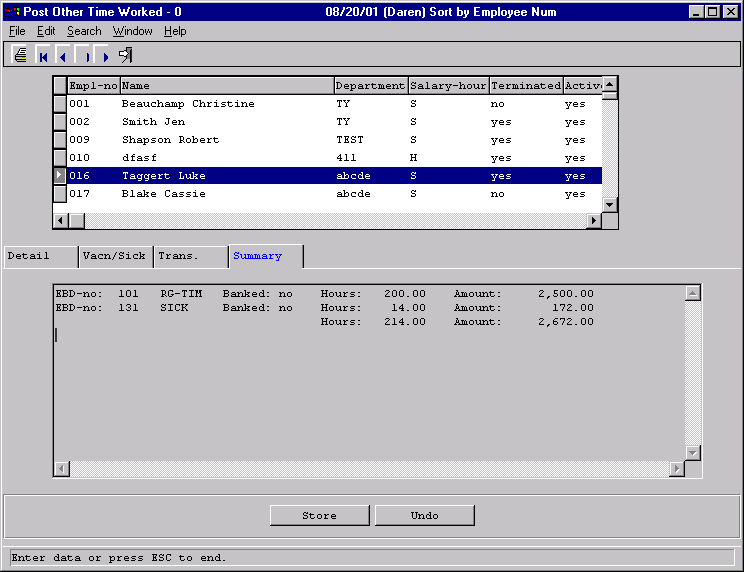
Post Time - Summary
40
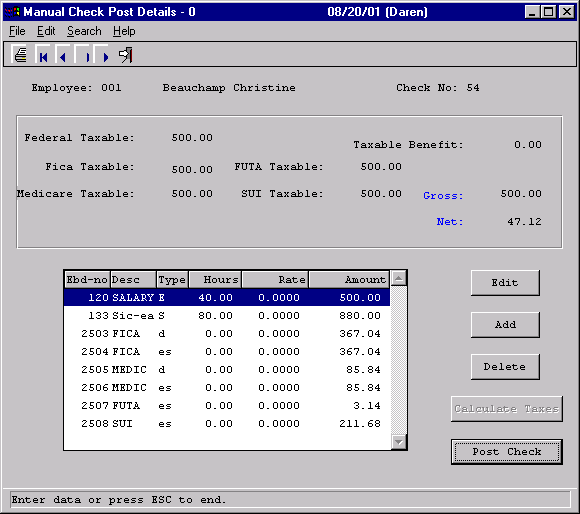
Manual Checks
41
Check Run
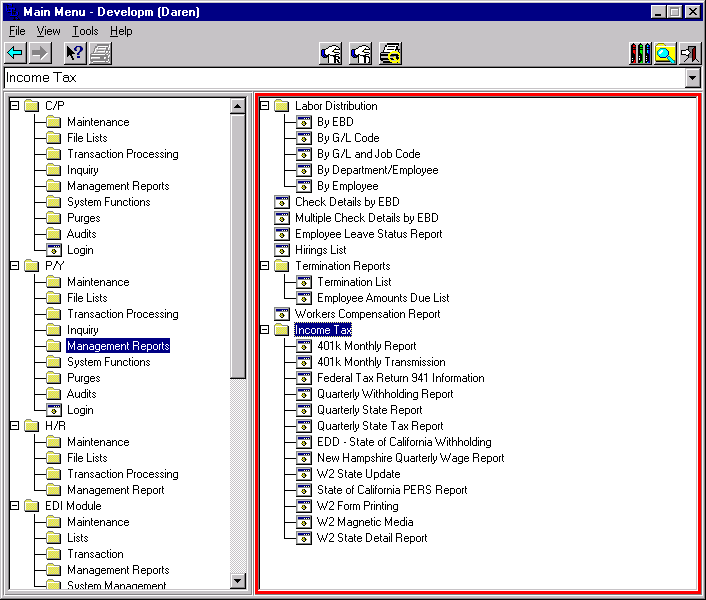
42
Management Reports
43
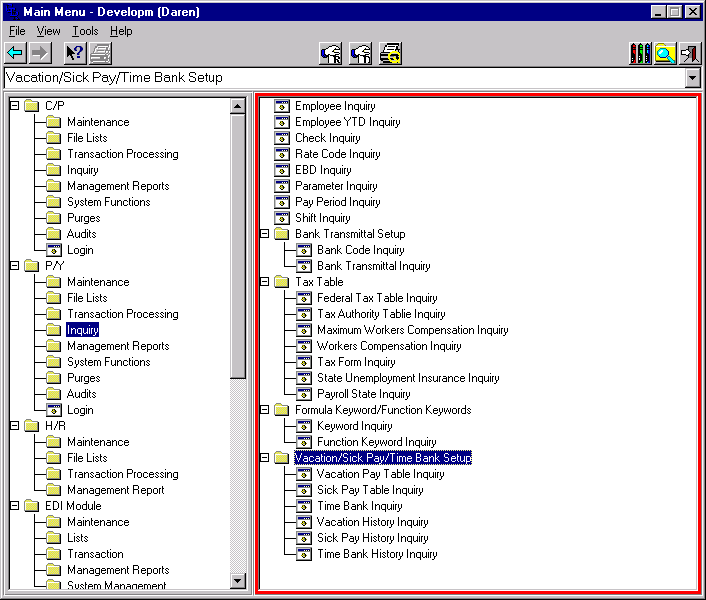
Inquiries
44
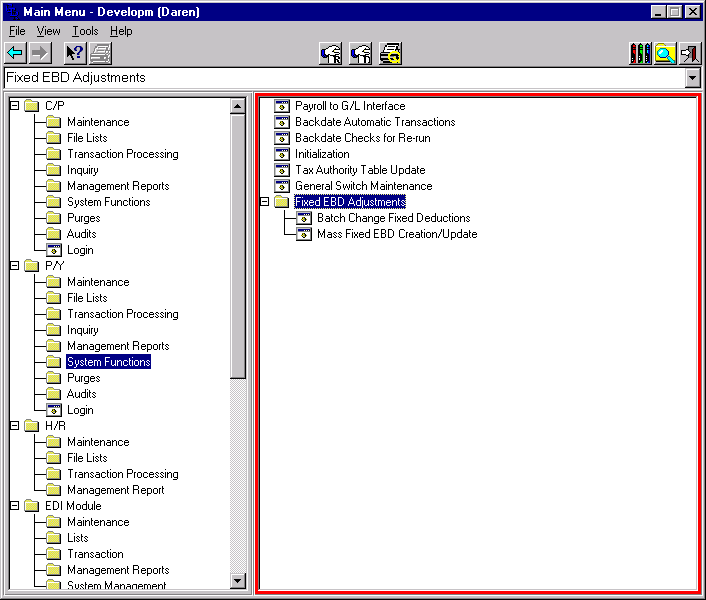
System Management
45
We hope you enjoyed this demonstration.
46
How to reach us
  • Phone 514-738-6680


  • Fax 514-738-8538


  • Web
  • http://www.gtrdata.com
  • E-mail
  • gtr@gtrdata.com